
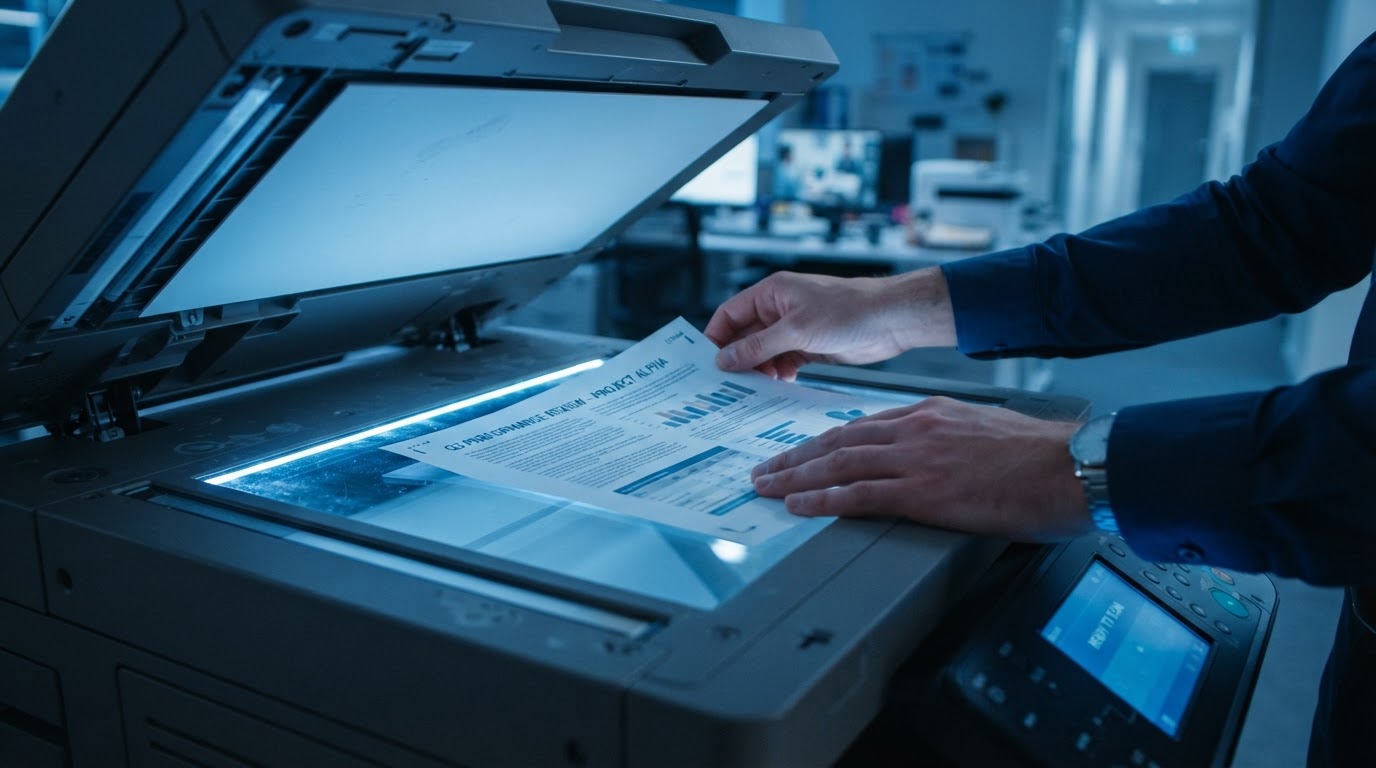
Scan-to-Folder Setup in Orange County & Los Angeles
SMB / FTP network share setup for automated scanning straight to server or cloud folders.
How RJP Office Solutions Helps Your Business
Streamline digital file archiving. We configure SMB shared folders, network attached storage (NAS) routing, and user access permissions so scanned PDFs land directly in organized department folders.
Scan-to-folder removes email attachment size limits and keeps scanned documents in a central, searchable location your team can access. SMB v2/v3 protocol security is configured for compliance.
For scan-to-folder setup in Orange County and Los Angeles County, RJP Office Solutions configures the routing and permissions so it just works.
What's Included
- Direct scanning to shared network drives and NAS
- SMB v2/v3 protocol security compliance
- Automated folder organization by date or project
- Eliminates email attachment file size restrictions
- User access permissions configured for security
Trusted by Local Southern California Offices
38 Years of Experience
Master technician Ron Perez brings nearly four decades of hands-on office equipment service.
Brand Specialists
Deep technical specialization in Ricoh, Kyocera, and Sharp copiers, printers, and multifunction devices.
Local & Reliable
Owner-operated, fast local response across Orange County and Los Angeles County.
Scan-to-Folder Setup FAQ
Related Services
Other ways RJP Office Solutions keeps your office running.
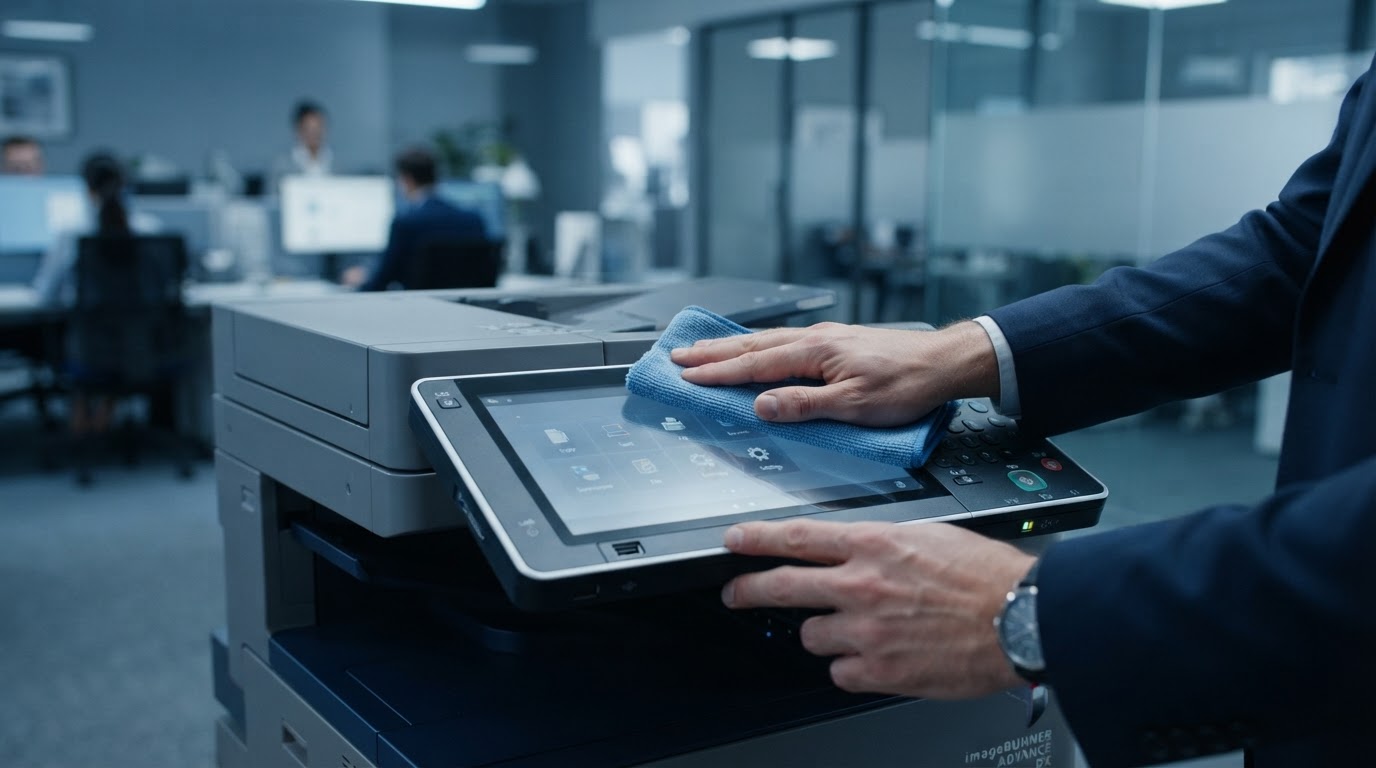
Copier & Printer Maintenance
Preventative maintenance that keeps your Ricoh, Kyocera, and Sharp equipment running clean and dependable.
Learn More →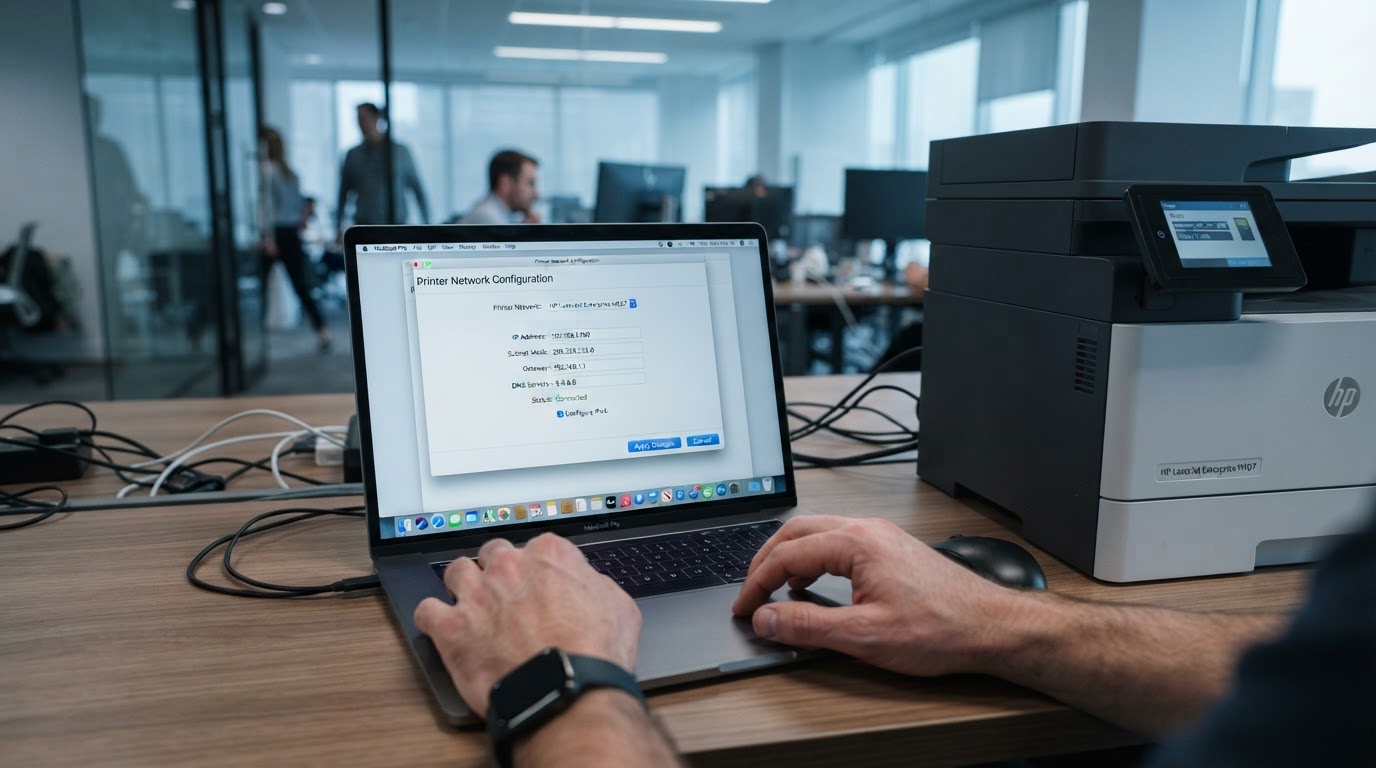
Copier & Printer Troubleshooting
Fast, accurate diagnosis of error codes, paper jams, streaks, and print quality problems.
Learn More →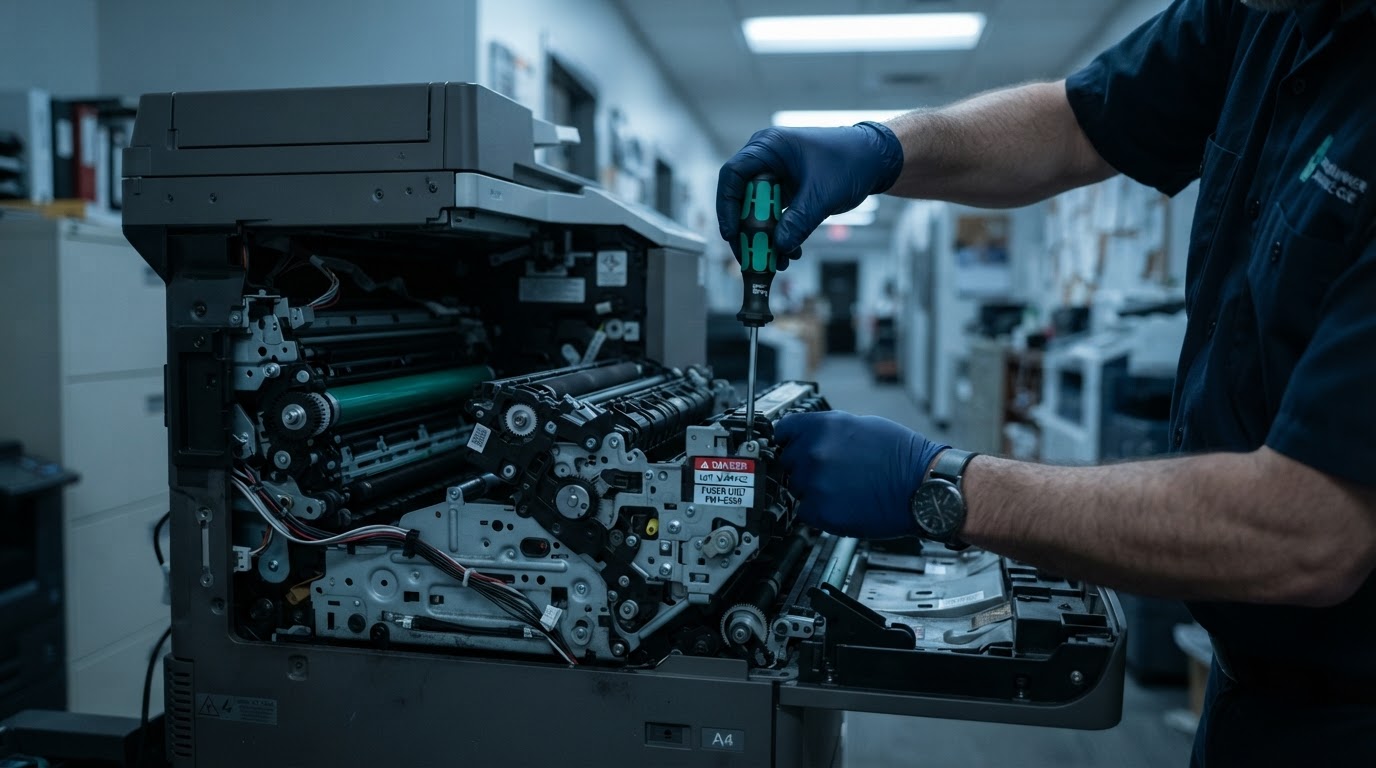
Copier & Printer Repair
On-site expert repairs for Ricoh, Kyocera, and Sharp copiers, printers, and multifunction devices.
Learn More →Ready to Get Your Office Equipment Back to Work?
Call Ron Perez for prompt, owner-operated service across Orange County and Los Angeles County — or use the chat bubble to message us.